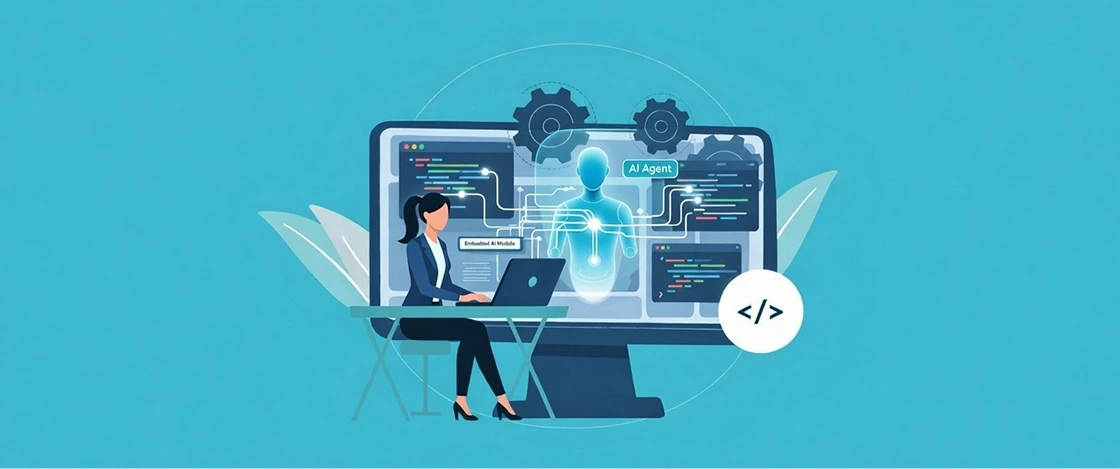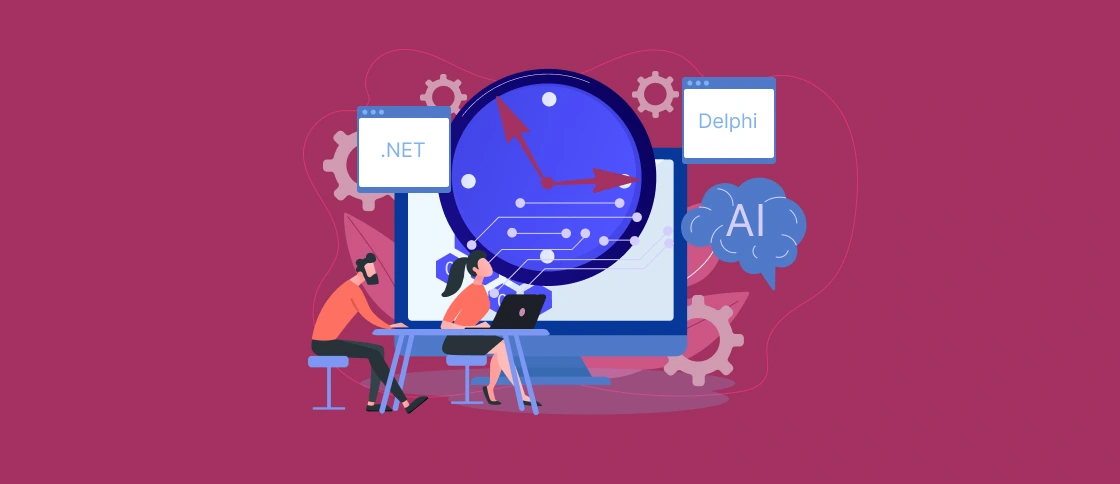
Many software product companies today hear the same message: AI can speed up legacy software modernization. It can rewrite old code and almost automatically migrate applications to new technologies.
After several years of intense AI hype, many executives are skeptical of such claims. And they have reasons for that.
If you have a product that has been in development for 10-20 years running on Delphi, .NET Framework, WinForms, WPF, Web Forms, or another aging technology, you know that the problem rarely comes down to code alone. But business logic accumulated over the years is usually where the real complexity lies.
For this reason, the main question today is not “Can AI modernize a system?” but “Where does AI really help, and where should engineers do their job?”
The Main Conclusion
AI can already reduce the amount of manual work needed for analyzing old systems and preparing for modernization. But AI can’t make decisions instead of engineers when it comes to architecture, risks and migration strategy. The most successful projects use AI as a tool to speed up analysis, not replace the engineering team.
Why Modernizing Legacy Systems Remains a Challenging Task
When working on a product that has been in development for over a decade, the team almost always faces the same situation. The documentation is outdated or has disappeared entirely. Developers who created key modules have long worked for other companies. Important business rules exist only in code, and the dependencies between components are so complex that no one can confidently predict what will happen after changes.
Imagine a typical situation: a company wants to update an old Delphi application. Management expects to get a preliminary project estimate in a couple of weeks. But already during the analysis phase, it becomes clear that no one knows exactly which modules are responsible for customer functions and which processes are interconnected. As a result, the preparatory phase drags on for months.
This is where AI can help.
How AI Helps Legacy Modernization
#1 AI code analysis
The task that usually requires a lot of work in legacy projects is understanding how the system works today.
An old product can contain 100K+ lines of code, dozens of libraries, and numerous integrations. Earlier, an engineer had to literally traverse the code manually, trying to piece together what was going on.
Today, AI can significantly speed up this process. It does not take days or weeks of research. A team can analyze dependencies between modules, functions or potentially risky areas of the system in a matter of hours.
It’s important to understand that, of course, AI doesn’t replace human analysis. It rather acts as a highly rapid explorer. It helps identify connections and patterns that earlier took much longer to find.
#2 Restoring documentation from legacy code
In many legacy systems, documentation becomes a separate issue. Often, a team starts legacy modernization only to discover that the existing documentation describes a system from five years ago. The real application has long since moved on, and knowledge of it resides only in the minds of a few employees.
AI helps fill this gap. It can generate module descriptions, explain the purpose of classes, create technical overviews, and even generate clear explanations for business processes discovered in the code.
Interestingly, in many projects, the first tangible benefits of AI appear even before the legacy modernization begins. The team finally gets the opportunity to see the system as a whole and can discuss changes based on facts.
#3 Reverse engineering of business logic
The most valuable part of most mature products lies not in their technology, but in their accumulated business logic. For example, a company might discover dozens of custom rules in an old pricing module. They were introduced in response to customer requests years ago. No one remembers why somebody added them, but the system uses them every day.
You can check event handlers, old forms, SQL procedures, or helper functions for such rules. AI helps quickly identify such areas and explain their purpose. This is especially useful for Delphi applications, where logic is often distributed between visual components and event code. Instead of manually sifting through dozens of files, engineers have a starting point for further analysis.
#4 Preparing a modernization assessment
Almost every project begins with business questions. Management wants to understand the cost of the work, potential risks, and implementation options. They need a modernization assessment. Before, preparing such an estimate often turned into a mini-project. The team spent weeks studying the system to at least roughly understand the scope of the task.
If you use AI, it can speed up this stage. It helps identify outdated technologies, discover dependencies between components, estimate the codebase size, and form a more comprehensive picture of the system. This doesn’t mean the estimate is automatically accurate. But it becomes much more informed than making decisions blindly.
#5 Reducing the volume of routine work
There’s a whole class of tasks that rarely require deep architectural knowledge but they take an incredible amount of time. Finding duplicate code, analyzing dependencies, preparing technical descriptions, identifying potential compatibility issues – all of this work must be done before modernization. AI is particularly effective in these scenarios. It offloads much of the routine work and allows engineers to focus on complex issues that need experience and context.
Where AI Fails in Modernization
Despite impressive progress, there are areas where automation remains limited.
Choosing an application modernization strategy
AI can offer several options for system development. But it doesn’t know the company’s goals in two years, its budget constraints, or its customers’ expectations. Basically, it doesn’t know the company’s context and specific needs.
Let’s imagine a product that can technically be completely migrated to a modern web stack. At first glance, the solution seems obvious. However, if thousands of customers use the application daily, and the business can’t afford a prolonged period of instability, a gradual modernization may be far more practical than a complete rewrite.
Such decisions are made at the intersection of technology and business. That’s why you still need architects and experienced engineers here.
Risk assessment
Legacy systems are rarely completely predictable. AI in legacy modernization can show that two modules are interconnected. But it doesn’t know how critical this connection is for specific clients or which real-world business processes might be impacted by the changes.
Very often, you will find the most serious risks not in the code, but in the specifics of product usage. It is easier for humans to identify such risks.
Architectural solutions
Should we keep the desktop architecture or migrate to the web? Should we move business logic to separate services? Should we modernize the system in stages or should we replace individual modules entirely?
You can’t answer these questions solely by code review. They require an understanding of the product, market, users, and the company’s long-term strategy. AI can provide information for decision-making, but the actual decision remains with humans.
“Magic” automatic rewriting of the system
This is perhaps where the most inflated expectations arise. Yes, modern AI tools can generate code and even translate it between programming languages. But when it comes to a product that’s been in development for 15-20+ years, the problem isn’t syntax.
The real challenge is preserving the system’s behavior. Imagine an application that has accumulated hundreds of small exceptions and special rules for different clients over the years. Even if AI perfectly rewrites the code in a new language, the question remains: will it preserve all these nuances?
Without a deep understanding of business logic, the risk of losing important features remains too high. For this reason, the idea of ”downloading a legacy application and getting a modern system out the door” currently feels more like a marketing ploy than a reliable application modernization strategy.
How Softacom Sees the Most Practical Approach to Upgrading Legacy Systems Today
The most successful projects usually follow a simple logic:
- First, understand the system and re-establish knowledge about it.
- Then, evaluate modernization options and associated risks.
- And only then begin making changes.
In this model, AI becomes a powerful analysis tool. It helps to quickly understand the codebase, restore documentation, identify dependencies, and reduce the amount of manual research.
However, key decisions are still made by humans. This is why many companies today opt for phased modernization rather than a large-scale rewrite. They continue to support the existing product, reduce technical debt step by step, and replace the most risky components as needed.
This approach often helps maintain product stability and avoid costly errors.
| Task | AI | Engineers |
| Code analysis | ✓ | ✓ |
| Dependency discovery | ✓ | ✓ |
| Documentation generation | ✓ | ✓ |
| Business context understanding | ✗ | ✓ |
| Migration strategy | ✗ | ✓ |
| Risk assessment | Partial | ✓ |
| Architecture decisions | ✗ | ✓ |
Conclusion
AI has already become a useful tool for teams working with legacy Delphi and the Microsoft ecosystem. It helps them analyze code faster, restore documentation, understand dependencies, and prepare for modernization. But modernization remains an engineering task.
Companies benefit from using AI to increase system transparency and inform decision-making. For most mature software products, the safest path remains the same: first understand the system, then evaluate options, and only then begin making changes.
In many cases, the first step is not migration at all. But companies choose to stabilize the existing product and build enough visibility into the system to make informed decisions later.