Client onboarding usually looks neat only in diagrams.
In reality, this moment when the “deal is closed” suddenly turns into the beginning of the most chaotic part of the work. And it’s almost never because of poorly described processes. The process can be perfect: there are stages, checklists, assigned responsibilities. But that doesn’t prevent it from falling apart in day-to-day work.
When Onboarding Really Breaks Down
The problem begins when the client is handed off between teams.
Sales closes the deal and passes on not a process, but a collection of fragments. Some information is in the CRM, some in correspondence, some in the manager’s head. The delivery team receives a reconstruction of what was “supposedly discussed.” Support teams are brought in even later, often in a situation where the client expects one thing, but the system has a completely different version of reality.
And then the typical routine begins: clarifications, follow-up questions, follow-up emails, attempts to recap “what exactly was promised.” It looks like normal communication, but in reality, it’s a constant drain on time and context.
Onboarding breaks down because the work between people is not seamlessly connected. Every handoff is a moment where context isn’t conveyed, but reassembled anew.
And the more teams involved, the greater the effect. Each has its own tool, its own data set, and its own understanding of the client’s status. The CRM stores one thing, the task tracker stores another, and emails store something else. As a result, no one sees the full picture in real time. Everyone sees it in fragments, and each fragment is slightly outdated.
Handoffs as the Main Source of Losses
Each transition of responsibility appears innocuous. But it’s precisely at these points that the following are lost:
- the context of the deal
- the history of agreements
- the technical details
- the client’s constraints
- priorities and expectations
Instead of a continuous process, a chain of information reassembly emerges. Each team focuses not on continuing the work of the previous one. It “recreates reality” anew. This leads to delays and the feeling that the client is forever waiting for an answer.
Why don’t Copilots Solve the Problem?
There is often an expectation that AI copilots will solve the problem. They do help write emails faster or summarize information. But they don’t change the mechanics of the process itself.
A copilot remains within a specific person and a specific interface. It doesn’t manage the workflow between systems and teams. It can’t independently collect missing data from the client. It can’t make the next step and can’t guarantee that the task will actually move forward. It helps with thinking, but it doesn’t help with execution.
And onboarding is when the process moves forward.
How does an AI Agent Work in Onboarding?
A more effective model emerges when AI is viewed as an executive layer between systems. A controlled onboarding automation AI agent that manages the process flow.
In this model, the customer onboarding AI agent notices when critical information is missing from the process and initiates its collection. It requests, clarifies, records the response, and updates the status. It does not wait for the user to remember what to write to the client.
They don’t stop there. They understand that this step must be followed by the next one. So, they drive the process themselves. They create a task in the right system, assign it to the right team, and record the dependency. Essentially, they cut the need to manually “push” work between departments.
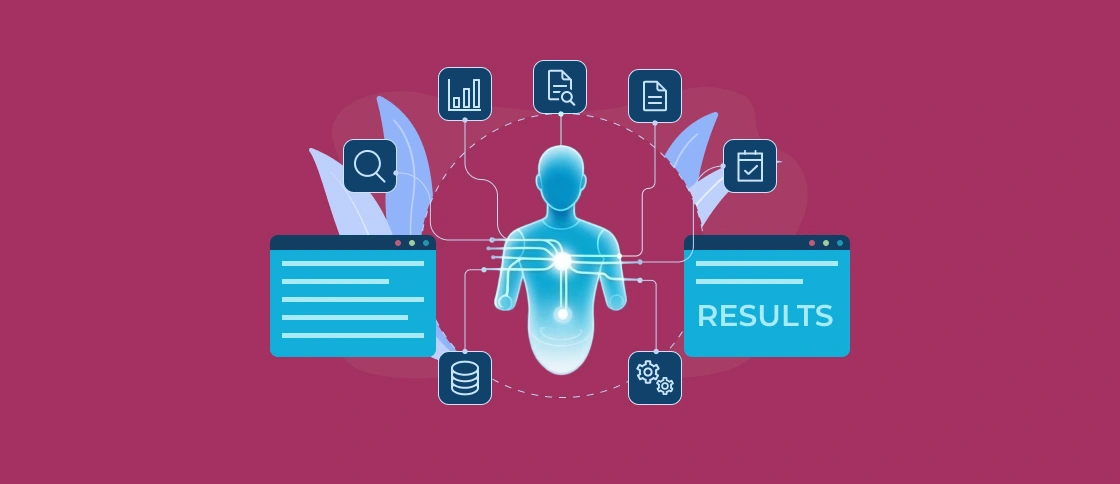
And another important layer is status. Today, onboarding often suffers from the fact that the client’s current state isn’t set anywhere. Each tool has its own version of the truth. An AI agent can maintain end-to-end status by collecting data from CRM, task trackers and internal systems into a single view. This is the live state of the process.
Controlled Execution Instead of Full Autonomy
But it’s important not to fall into the illusion of full autonomy. In business, a model where the system “does everything itself without restrictions” almost never works.
A much more realistic and secure model is controlled execution. The agent operates within defined rules, logs its actions, and does not exceed its authority. It doesn’t replace commands, but rather removes unnecessary manual steps between them.
What Systems are Typically Involved?
Onboarding is often a combination of:
- CRM (Salesforce, HubSpot, and similar)
- ticketing systems (Jira, ServiceNow)
- project tools (Asana, Monday, Azure DevOps)
- email and communication tools
- and sometimes billing and provisioning systems
The problem is that they don’t “talk” to each other at the process level. The AI agent becomes the layer that connects them into a single workflow.
When it Makes Sense to Implement a PoC
With an AI agent in intelligent onboarding automation, a realistic PoC requires several conditions.
- There must be a clearly defined onboarding process, even if it’s not perfect. Not a “how it should be” document, but the customer’s actual journey for today.
- Handoff points must be visible: where exactly information is lost or delays occur.
- At least two or three systems must be available for integration.
- And most importantly, there must be a specific pain point. You should have AI not for the sake of AI. But for example: onboarding takes too long, there’s too much manual clarification, customers get lost between teams, or there’s no transparent status.
In this case, the PoC usually starts with a single area: for example, collecting missing information or end-to-end status.
How Softacom Can Help
Softacom approaches onboarding as a chain of systems and teams. Our AI integration services include analyzing your processes and identifying real points of disconnect. Then we design a PoC tailored for your specific tasks and business needs. We will help you automate complex workflows.
Conclusion
With this approach, onboarding stops being a chain of responsibility transfers. It becomes a managed flow, with less need to “catch up with context” and more continuous forward movement.
And the key point here is that an AI agent doesn’t fix a bad process. It removes the process’s dependence on manual transitions between people and systems. And it is these transitions that create the main waste of time, frustration, and the feeling that work is constantly stalling.